 Nexus
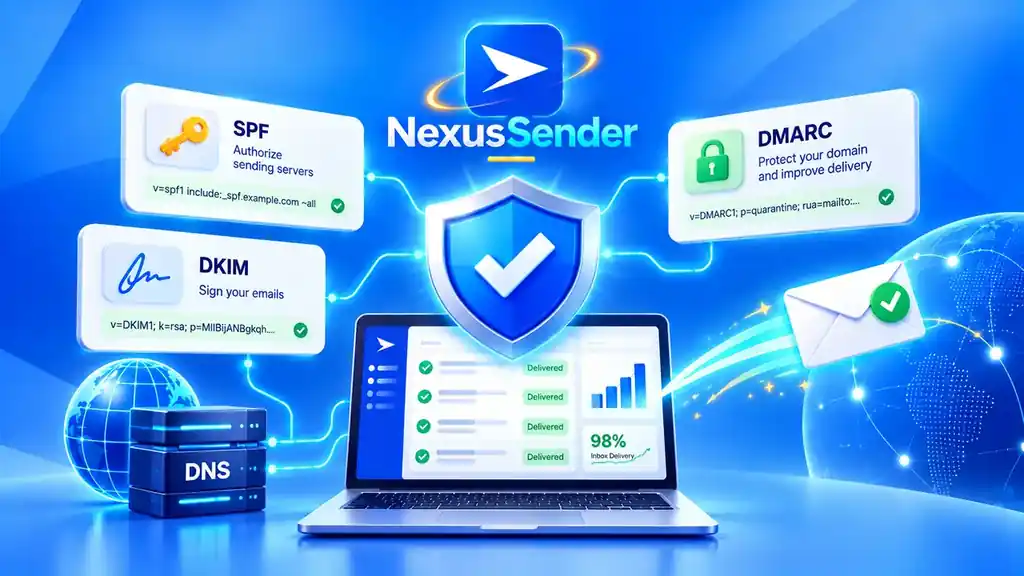
SPF, DKIM and DMARC are three DNS records that tell mailbox providers your email is genuine. If you send cold email, you should treat them as required. Here is what each one does and how to set them up.
What is SPF?
SPF (Sender Policy Framework) is a record that lists the servers allowed to send email for your domain. When a message arrives, the receiving server checks whether the sending server is on that list. If it is not, the message looks forged.
What is DKIM?
DKIM (DomainKeys Identified Mail) adds a digital signature to every email you send. The receiving server uses a public key in your DNS to check that the message was not changed and that it really came from your domain.
What is DMARC?
DMARC (Domain based Message Authentication, Reporting and Conformance) tells receiving servers what to do when SPF or DKIM fails, and where to send reports. A simple starting record uses the policy "none", which only monitors. You can move to a stricter policy later.
Why they matter for cold email
Gmail and Yahoo expect authentication from anyone who sends email at volume. A cold mailbox with all three records in place starts with more trust than one with none, and your replies are less likely to be filtered.
How to set them up
- Log in to the place where your domain DNS is managed.
- Add the SPF record that your email provider gives you. A domain should have only one SPF record.
- Turn on DKIM in your email provider and copy the record it shows into your DNS.
- Add a DMARC record at _dmarc.yourdomain.com with the policy none and an email address for reports.
- Wait a short time for DNS to update, then test the records.
Check your records from NexusSender
NexusSender has a domain checker that tests SPF, DKIM and DMARC for your sending domain and shows what to fix first. It also has an inbox placement test so you can see where a message lands. After the records pass, warm up the mailbox before you launch a campaign.
Ready to try it? Download NexusSender or start a free trial.