 Nexus
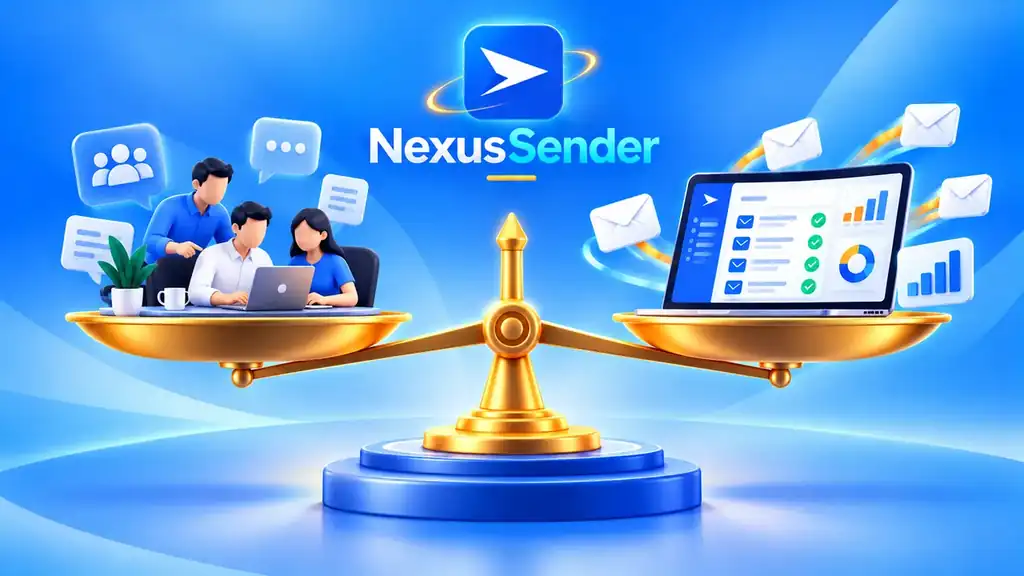
When you decide to start cold outreach, you have two main paths. You can hire one of the many cold email companies that run campaigns for you, or you can buy cold email software and run outreach yourself. Both can work. The right choice depends on your budget, your time and how much control you want. This guide helps you decide.
What cold email companies do
Cold email companies, often called agencies, do the work for you. A typical service includes buying and setting up domains and mailboxes, warming them up, finding and verifying leads, writing the sequence, sending the campaign and handing you the replies or the booked meetings. You pay a monthly fee or a price per meeting.
What cold email software does
Software for cold email is the tool you use to do the same work yourself. It handles sending, warmup, follow ups and the reply inbox. A cold email software company builds and supports the tool, but you run the campaigns. Some people also call this email sales software because it helps a sales process rather than a marketing newsletter.
Cold email companies and software side by side
| Question | Hire a company: you pay for the result and the work. Use software: you pay for the tool and do the work. |
|---|---|
| Cost | Company: usually a monthly retainer. Software: a monthly fee or a fixed term license, plus your time. |
| Speed to start | Company: setup takes a few weeks, then they run it. Software: you can start as soon as mailboxes are warm. |
| Control | Company: they decide the details unless you review them. Software: you control every message and list. |
| Learning | Company: you learn little about the process. Software: you learn what works for your market. |
| Data | Company: your leads and replies are in their systems. Software: depends on the tool, desktop software keeps data on your computer. |
When to hire cold email companies
- You have budget but very little time.
- You do not want to learn deliverability, warmup and list building.
- You need a fast, hands off start and can pay for it.
- Your offer is already proven and you want to scale it.
When to use cold email software yourself
- You want to keep cost low, especially in the beginning.
- You want control over your message and your list.
- You want to learn what your market responds to.
- You send outreach for your own business or for several clients.
- You are comfortable doing a few hours of setup.
Freelancers and small agencies often start with software, learn the process and only hire help for parts they do not enjoy.
Questions to ask before hiring one of the cold email companies
- How do you warm up and protect the mailboxes and domains?
- Who owns the domains, mailboxes and lead lists if I stop?
- How do you verify leads and keep bounces low?
- How do you write messages for my offer, and do I approve them?
- What exactly do I get each month, and how is success measured?
- Is there a long contract, and how do I cancel?
- Can I speak to a real customer?
Be careful with promises of guaranteed meetings. Nobody can guarantee replies from cold prospects.
Questions to ask a cold email software company
- Is there a free trial with real features?
- What is the total cost over a year, including extra mailboxes or users?
- Does it include warmup, sending limits and bounce protection?
- Where is my data stored?
- What happens if I stop paying?
- How do I reach support, and how fast do you reply?
- What is the refund policy?
The middle path
You do not have to pick only one. Many people use cold email outreach software for day to day campaigns and hire a freelancer or an agency for specific work such as lead research or copywriting. This keeps the control and the data with you while you get help where you need it.
How to decide in ten minutes
- Write down your monthly budget for outreach.
- Write down how many hours per week you can give.
- If you have little time and enough budget, speak to two or three companies.
- If you have more time than budget, try software with a free trial first.
- Judge the first month by replies and positive conversations, not by sent emails.
Where NexusSender fits
NexusSender is cold email software for Windows 10 and 11. It includes mailbox warmup, multi step sequences, a unified inbox, bounce protection and branded client reports. It has no monthly fee, because licenses run for a fixed term of one, two or three years. Your lead lists and mailbox passwords stay on your own computer. It does not do the work for you, so it is a good match if you are willing to run your own campaigns. You can start a free trial, read the FAQ, or see the license options.
If you are still comparing tools, our guide to the best cold email software in 2026 has a simple checklist, and our guide on building a campaign shows what the work involves.
Frequently asked questions
Are cold email companies worth it?
They can be, if you have budget, little time and a proven offer. Ask about ownership of domains and data and avoid guarantees that sound too good to be true.
Is it cheaper to use cold email software?
Usually yes, because you pay for a tool instead of a full service. The trade off is that you invest your own time.
Which is better for a freelancer or small agency?
Many start with software to keep costs low and learn the process, then add outside help when they grow.
- cold email companies
- cold email software company
- cold email software
- email sales software
- software for cold email
- cold email outreach software
- best cold email outreach software
- cold email marketing software
- best cold email marketing software
- cold email automation software
- cold email campaign software
- top cold email software
- best cold email software
- cold emailing software